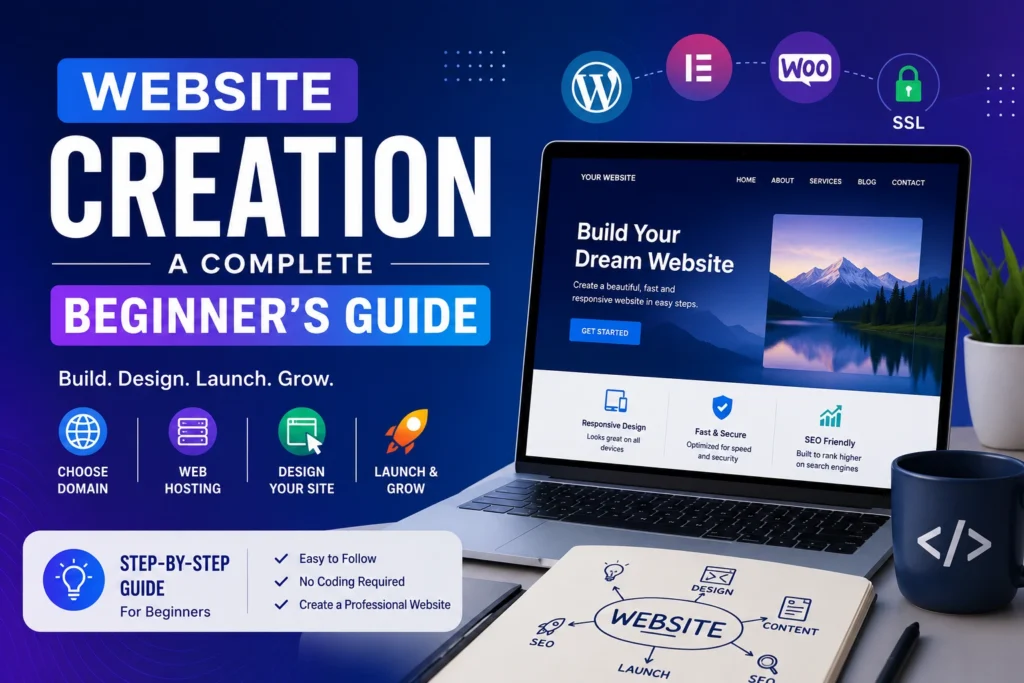

In today’s digital world, having a website is essential for individuals, businesses, students, and content creators. A website helps you build an online presence, share information, promote products or services, and connect with people worldwide.
Whether you want to start a personal blog, an online store, or a business website, understanding the basics of website creation is the first step toward success.

What is Website Creation?
Website creation is the process of designing, building, and publishing a website on the internet. It involves choosing a domain name, selecting a hosting provider, designing web pages, and adding content.
A website can be simple with just a few pages or complex with advanced features and functionalities.
Benefits of Having a Website
A website offers many advantages:
- Builds online presence
- Increases credibility and trust
- Reaches a global audience
- Promotes products and services
- Generates leads and sales
- Shares valuable information
- Supports personal branding
Steps to Create a Website
1. Choose a Domain Name
A domain name is your website’s address on the internet. It should be:
- Short and memorable
- Easy to spell
- Relevant to your brand
- Unique and professional
For example: aniikai.online
2. Buy Web Hosting
Web hosting stores your website files and makes them accessible online. A reliable hosting provider ensures good speed, security, and uptime.
Important hosting features:
- Fast loading speed
- SSL certificate
- Daily backups
- Customer support
- Easy website management
3. Install a Website Platform
Most beginners use content management systems (CMS) like WordPress because they are easy to use and require little technical knowledge.
Benefits of WordPress:
- Beginner-friendly
- Thousands of themes
- Large plugin library
- SEO-friendly structure
4. Select a Website Theme
A theme controls the appearance of your website.
Choose a theme that is:
- Mobile-friendly
- Fast-loading
- Professional-looking
- Easy to customize
5. Create Important Pages
Every website should have essential pages such as:
- Home Page
- About Us
- Contact Us
- Privacy Policy
- Terms and Conditions
- Disclaimer
These pages help visitors understand your website and build trust.
6. Add Quality Content
Content is the most important part of any website. Publish useful, original, and informative content that helps your audience.
Examples:
- Blog posts
- Tutorials
- Reviews
- Educational articles
- News updates
7. Optimize for SEO
Search Engine Optimization (SEO) helps your website rank higher on search engines.
Basic SEO practices:
- Use relevant keywords
- Write quality content
- Optimize images
- Create internal links
- Improve page speed
8. Make Your Website Mobile-Friendly
Most internet users browse websites on smartphones. A responsive website provides a better experience across all devices.
9. Improve Website Security
Website security protects your data and visitors.
Security tips:
- Use SSL certificates
- Keep software updated
- Use strong passwords
- Install security plugins
- Create regular backups
Common Website Types
Business Websites
Used to promote companies and services.
Blog Websites
Used to share articles, guides, and personal experiences.
Portfolio Websites
Used to showcase skills and projects.
E-commerce Websites
Used for selling products online.
Educational Websites
Used to provide learning resources and online courses.
Website Creation Tools
Popular tools used for website creation include:
- WordPress
- Canva
- Elementor
- Google Analytics
- Google Search Console
These tools help improve design, performance, and user experience.
Conclusion
Website creation is an important skill in the digital age. Whether you are starting a blog, building a personal brand, or growing a business, a website can help you achieve your goals. By choosing the right domain, hosting, design, and content strategy, you can create a professional website that attracts visitors and delivers value.
Start your website journey today and build your presence in the digital world.
FAQs
1. What is website creation?
Website creation is the process of building a website by choosing a domain name, purchasing hosting, designing web pages, adding content, and publishing it online.
2. Do I need coding skills to create a website?
No. You can create a professional website without coding by using platforms like WordPress, Wix, Shopify, or other website builders.
3. What do I need before creating a website?
Before creating a website, you need:
- A domain name
- Web hosting
- A website platform (such as WordPress)
- A theme or design
- Website content (text and images)
4. How much does it cost to create a website?
The cost depends on your needs. A basic website may cost $50–$200 per year, while a professional business website with custom features can cost significantly more.
5. How long does it take to build a website?
A simple website can be created in 1–3 days, while a business or eCommerce website may take 2–8 weeks, depending on the complexity.
6. Which platform is best for beginners?
WordPress is one of the best choices for beginners because it is user-friendly, flexible, SEO-friendly, and supported by thousands of themes and plugins.
7. What is the difference between a domain name and web hosting?
A domain name is your website’s address (such as yourwebsite.com), while web hosting is the service that stores your website files and makes them accessible on the internet.
8. Is SEO important when creating a website?
Yes. SEO (Search Engine Optimization) helps your website rank higher on search engines, attract more visitors, and increase organic traffic.
9. Can I create a mobile-friendly website?
Yes. Most modern website builders and WordPress themes are responsive, meaning your website will automatically adapt to desktops, tablets, and smartphones.
10. How do I keep my website secure?
You can improve website security by:
- Installing an SSL certificate
- Using strong passwords
- Keeping WordPress, themes, and plugins updated
- Taking regular backups
- Using a trusted security plugin
Visit Home Page